

Manage Your Monthly Donation
As a monthly donor, you already have an account with us through GoFundMe Pro. Update your payment method or information anytime in the secure donor portal, no password required. Here’s how:
Step 1
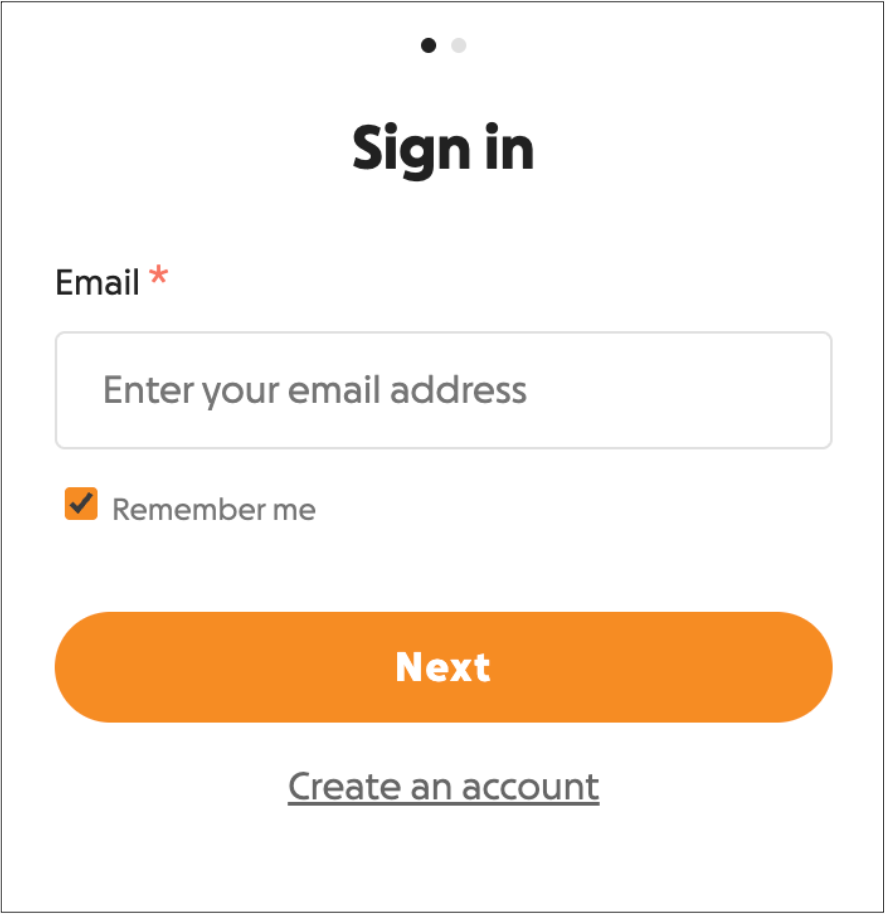
Open the secure donor portal and enter the email address associated with your monthly donation. Select ‘Next’.
If you donate through Spain, please login here.
Si donas desde España, por favor inicia sesión aquí.
Step 2
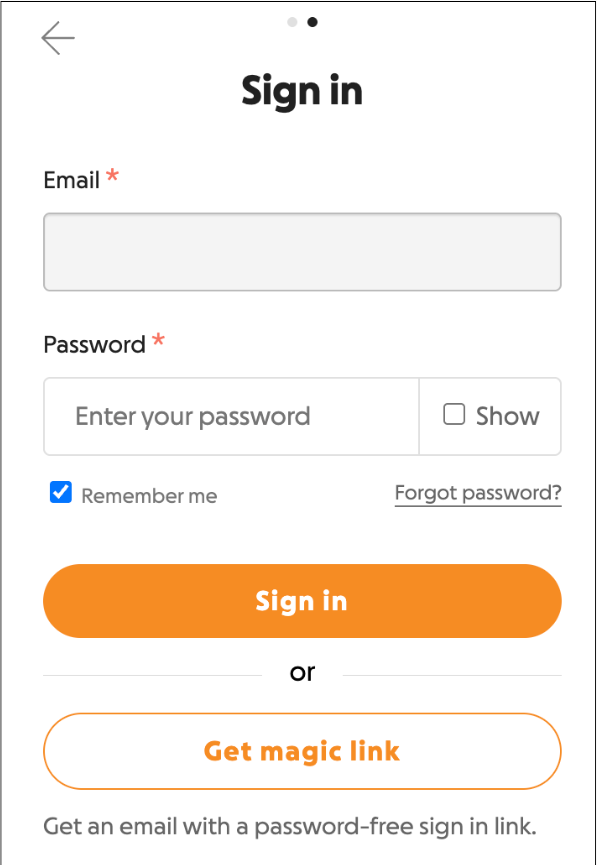
Enter your password, or select ‘Get Magic Link’ if you don’t know your password.
Step 3
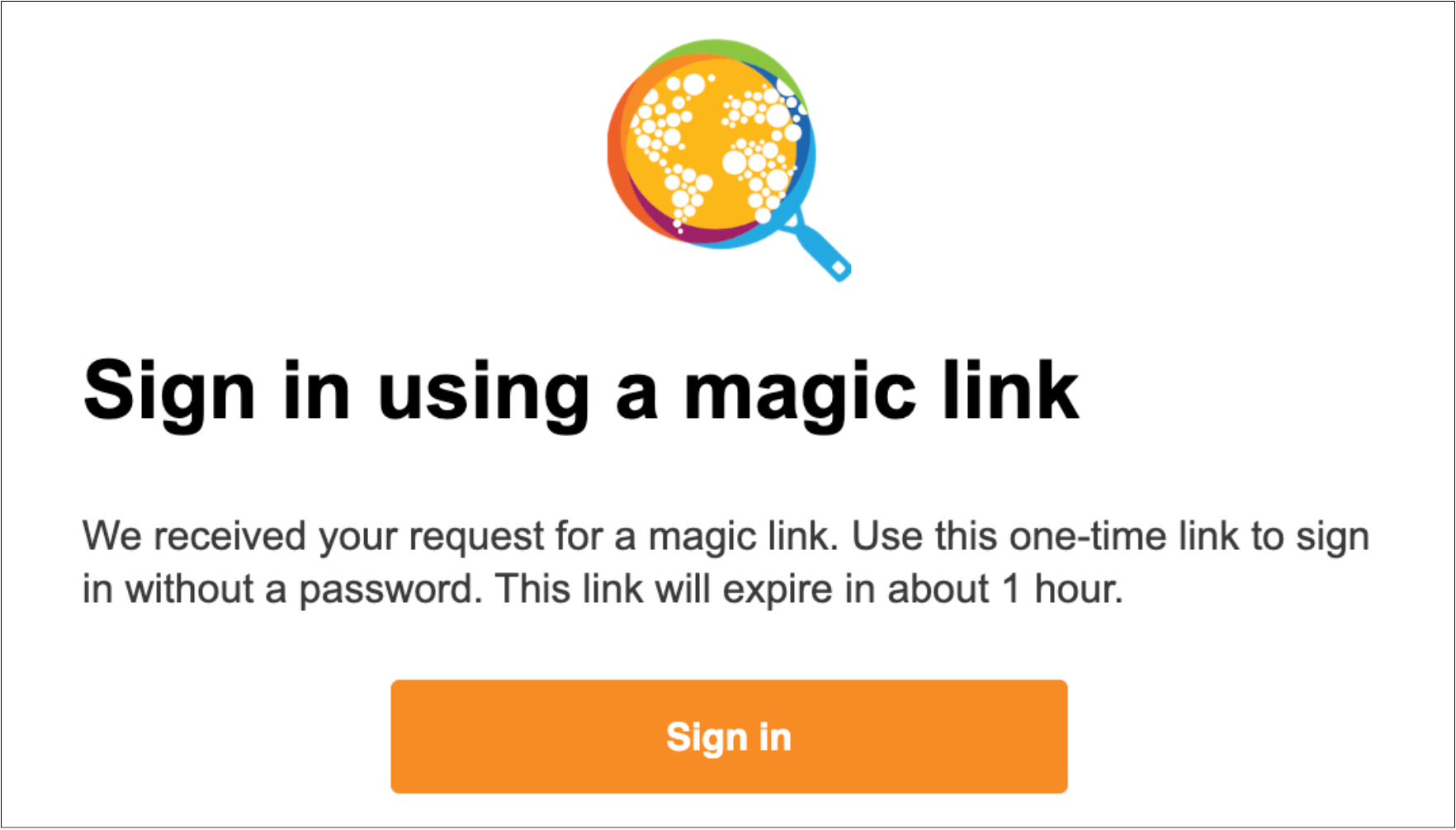
If requesting a magic link, check your inbox for an email from GoFundMe Pro and click the “Sign In” button inside.
If you don’t see the Magic Link emails, please check your spam folder. Gmail users should also check the Social and Promotions tabs.
Step 4
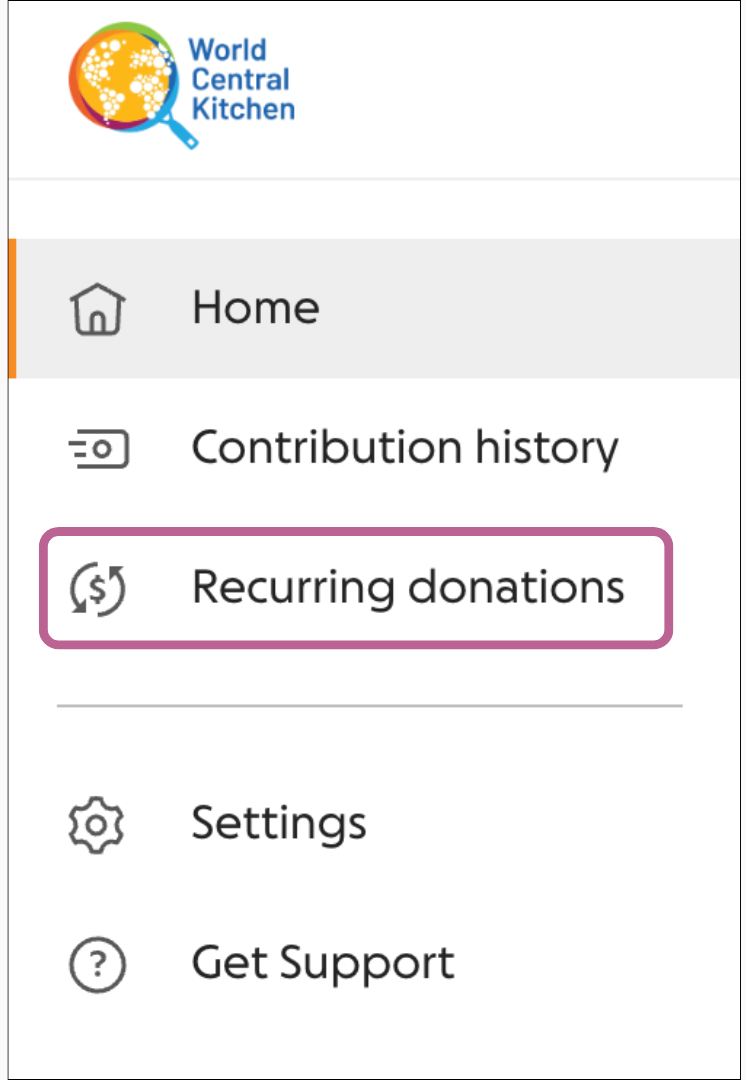
Once logged in, select “Recurring Donations” from the navigation menu.
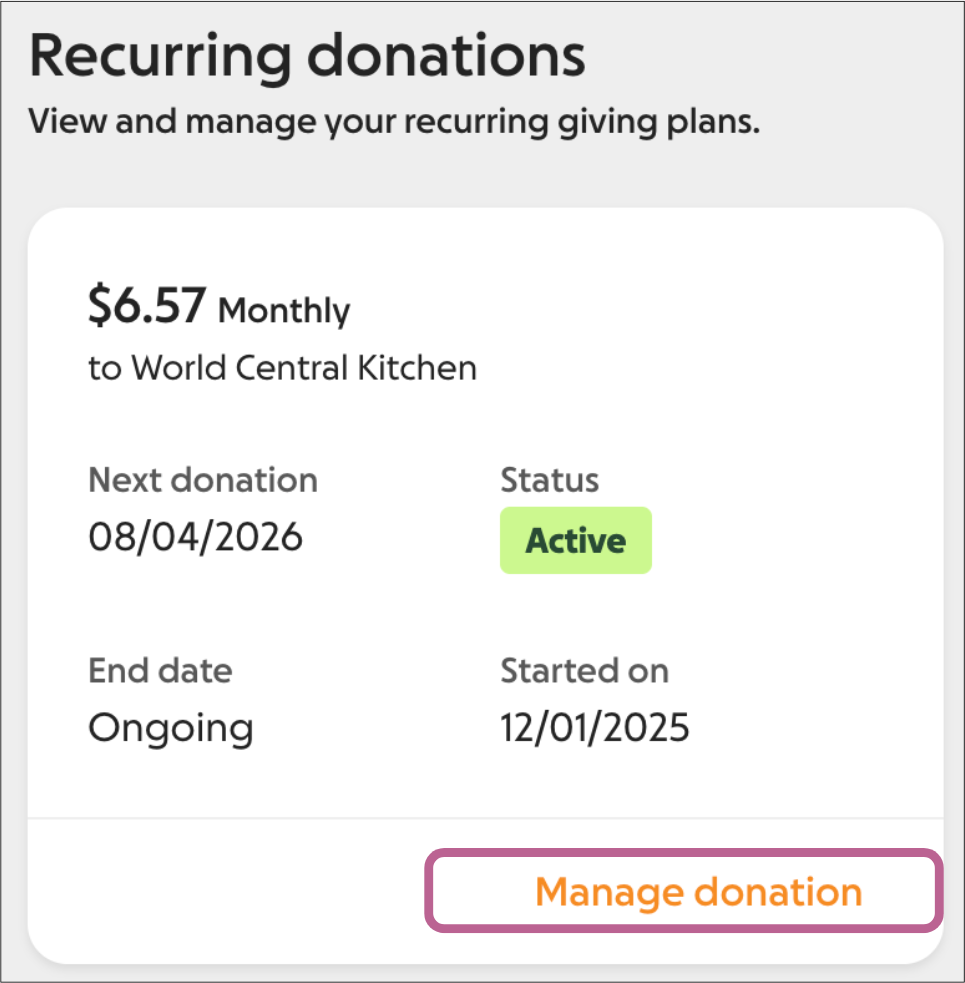
Step 5
Click “Manage Donation” and make your changes.
If you need help, please reach out to donations@wck.org.